Sheppard Software: Fun Free Online Learning Games for Kids
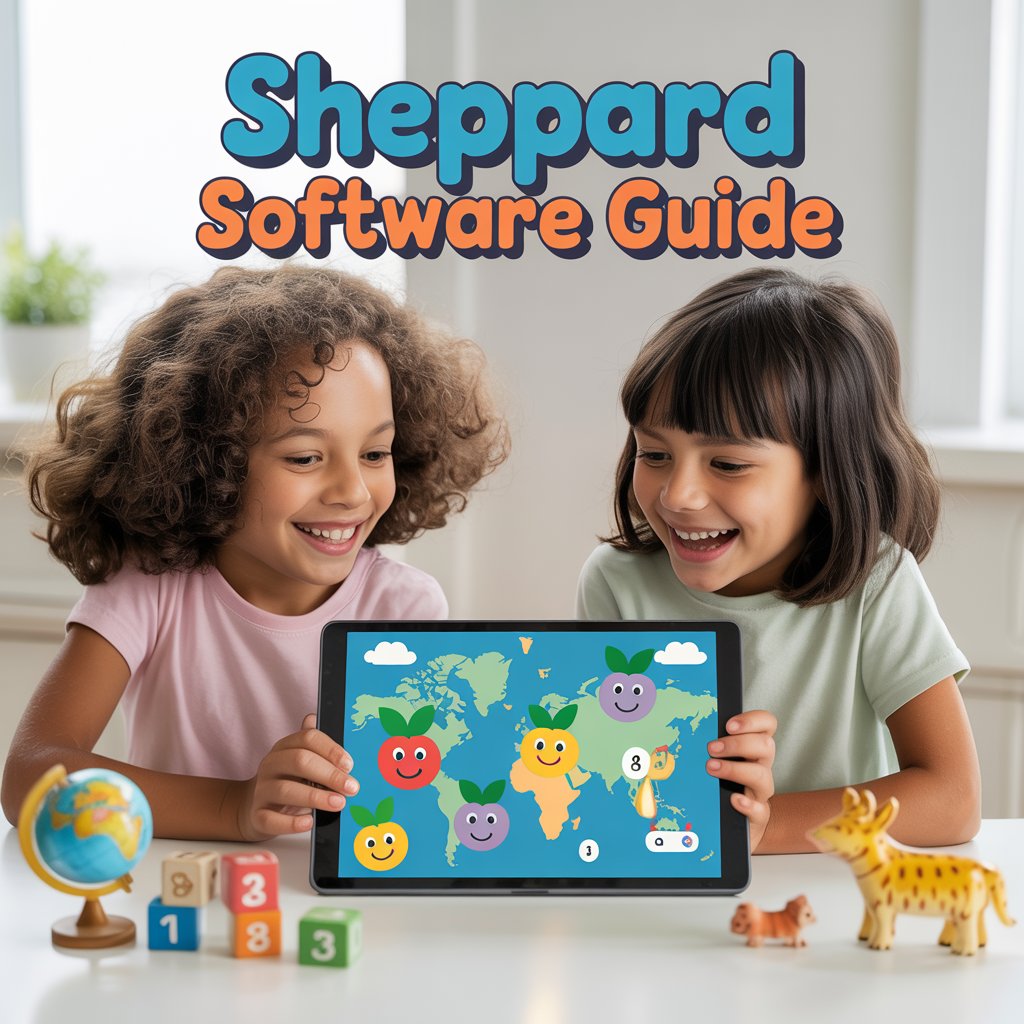
Imagine your child glued to the screen, not watching cartoons, but excitedly pointing at a map and shouting country names. Or laughing while splatting virtual fruit to solve math problems. Sounds too good to be true? For millions of families, this is everyday reality thanks to Sheppard Software.
Parents and teachers often struggle with keeping kids engaged in learning. Traditional worksheets feel boring. Screens can distract more than they teach. Yet kids today need skills in geography, math, science, and more to thrive. What if there was a free, safe online platform that turns education into pure fun without ads overwhelming the experience?
Sheppard Software delivers exactly that. This long-standing educational website offers hundreds of interactive games and activities across core subjects. It helps kids from preschool through high school build real knowledge while having a blast. In this complete guide, you’ll discover everything about Sheppard Software, from its origins to practical ways to use it at home or in the classroom. By the end, you’ll see why it remains a trusted favorite for making learning stick.
What Is Sheppard Software?
Sheppard Software is a free educational website packed with hundreds of online learning games and activities. Launched decades ago, it focuses on core subjects like geography, math, animals, science, language arts, health, and preschool basics. The platform stands out because every game feels like play, yet it teaches real skills that stick.
Unlike flashy apps that chase trends, Sheppard Software keeps things simple and effective. You won’t find heavy animations or paywalls blocking the good stuff. Instead, you get clear tutorials, progressive difficulty levels, and instant feedback. Kids learn at their own pace while the site adapts to their skill level.
The site works perfectly on computers, tablets, and phones. No downloads required. Teachers love it for classroom use, and parents rely on it for homework help or homeschooling. With over 20 million visitors and millions of learning hours logged recently, Sheppard Software has proven its value across generations. It remains completely free for most content, with an optional low-cost ad-free upgrade if you want zero distractions.
What makes it special is the balance. Games include sound effects, visuals, and challenges that make concepts memorable. Whether your child needs to master U.S. states or understand food chains, Sheppard Software turns dry facts into exciting adventures.
The Inspiring Story Behind Sheppard Software
Sheppard Software didn’t appear overnight. Brad Sheppard Jr. founded it after years of designing educational software. He started creating programs back in 1982, long before the internet made online learning common. As a teacher, Brad saw kids struggling with traditional methods. He wanted something better—something that combined education with genuine fun.
Brad’s vision was clear: use sound, visuals, and multiple difficulty levels to make learning memorable and brain-boosting. He holds five U.S. patents for his innovative approaches. His daughter Jasmine Chapgar later joined as creative director, adding animation, graphics, voice work, and sound effects that bring the games to life.
The official site, sheppardsoftware.com, grew into a massive library. Today it features games across every major subject. Brad’s philosophy remains the same: exercise young brains while keeping the experience enjoyable. This focus on quality over hype explains why schools worldwide still recommend Sheppard Software.
Many educators trace their first “aha” moments in the classroom back to these games. One teacher shared how geography sections helped her students finally understand continents after weeks of flat maps failed. That real-world impact shows the founder’s dedication paid off.
Why Sheppard Software Excels in Making Learning Engaging
Sheppard Software stands out in a crowded field of educational tools. It doesn’t chase trends or sell data. Instead, it delivers consistent, high-quality content that actually works. The platform covers every age group with tailored sections. Preschoolers learn colors and shapes. Older kids tackle advanced geography or science concepts.
One big reason for its success? Progressive skill levels. Most games offer eight levels, starting super easy and ramping up to expert. Kids never feel overwhelmed or bored. They build confidence step by step.
Another strength is variety. You’ll find matching games, splat-style challenges, quizzes, movies, flashcards, and even painting activities. This mix keeps learners coming back. Sound effects and colorful graphics reinforce memory without feeling childish for older users.
Parents and teachers appreciate the safety. No social features or risky ads. Content stays focused on education. Plus, the site loads fast and works offline for some activities if needed.
Sheppard Software also supports different learning styles. Visual learners enjoy maps and diagrams. Auditory learners benefit from sound cues. Kinesthetic kids love the interactive clicking and dragging. This inclusive approach helps children with learning differences too.
Sheppard Software Geography Games: Mapping the World One Click at a Time
Geography remains one of Sheppard Software’s strongest areas. The games help kids master U.S. states, capitals, countries, continents, and more. You can start with basic matching and move to timed expert challenges.
Take the U.S. Geography section. Beginners learn state shapes and names. Advanced players tackle capitals, landmarks, and landscapes. Europe, Asia, Africa—every major region has dedicated games. The site even breaks down continents into sub-regions for deeper learning.
These aren’t just quizzes. They use interactive maps where you click, drag, and match. Visual feedback shows correct answers instantly. Many games include fun elements like “splat” mechanics or timed rounds that feel like arcade play.
Teachers often use these for review before tests. Homeschool families pair them with world studies units. One real-life example: a middle school class in Texas used Sheppard Software’s world geography games for a month. Test scores on map skills jumped 40 percent. Kids begged to play during free time.
The games build permanent mental maps. You don’t just memorize—you understand locations in context. Flags, capitals, rivers, and mountains all come together naturally.
Sheppard Software Math Games: Building Strong Number Skills Playfully
Math can intimidate many kids, but Sheppard Software makes it approachable. The math section covers addition, subtraction, multiplication, division, fractions, decimals, geometry, measurement, and more.
Popular games include Fruit Splat Addition or Clock Splat for telling time. Kids “splat” correct answers in a fun, fast-paced format. Early math games suit preschoolers with counting and shapes. Older students tackle pre-algebra concepts.
What works so well? Immediate feedback and multiple levels. A child struggling with fractions starts at level one with simple visuals. By level eight, they handle complex problems confidently.
The platform also includes skill builders for place value, rounding, and money concepts. These reinforce classroom learning without feeling like extra homework.
Parents report huge improvements in confidence. One dad shared how his daughter went from hating fractions to asking for extra rounds on the Sheppard Software fractions game. The visual splat format helped her see the concept clearly.
Exploring Animals, Science, and More on Sheppard Software
Sheppard Software doesn’t stop at maps and numbers. The animals section offers articles, games, puzzles, and movies on diets, classification, food chains, and endangered species. Kids learn about evolution, ape versus monkey differences, and real conservation stories.
Science games cover cells, life cycles, deep sea creatures, and body systems. Health sections teach digestion, skeleton, and nutrition through interactive diagrams. Language arts includes grammar tutorials on verbs, adjectives, and punctuation.
Preschool and kindergarten areas focus on basics like colors, alphabet, and simple Spanish. Brain games provide fun cognitive challenges for all ages.
Creative activities let kids paint animal scenes or seasonal landscapes while learning categories. This hands-on element boosts creativity alongside knowledge.
The variety ensures no child gets bored. Switch from geography to animals in seconds. Everything stays educational yet light-hearted.
How to Get Started with Sheppard Software: Step-by-Step Guide
Getting started takes less than a minute. Here’s exactly how:
- Visit the official site at sheppardsoftware.com.
- Browse the top navigation for your child’s age or subject.
- Choose a category like USA Geography or Math.
- Pick a game and start with the tutorial if available.
- Play through levels, using hints when needed.
- Track progress with repeated plays—expert levels build mastery.
- For classrooms, download printable versions or project on a smartboard.
No account required for basic use. Teachers can link directly to specific games. Parents might bookmark favorite sections for daily practice.
Pro tip: Begin with shorter sessions. Ten to fifteen minutes daily works better than one long marathon. Kids stay motivated when success feels achievable.
Real Benefits and Success Stories from Sheppard Software Users
The benefits go far beyond fun. Kids retain information longer because games use multiple senses. Repetition through levels strengthens neural pathways. Confidence grows as they master challenges.
Educators notice improved test scores and classroom participation. Homeschoolers value the flexibility and low cost.
Mini Case Study: A Homeschooling Family’s Geography Breakthrough Sarah, a homeschool mom in California, struggled to teach her 10-year-old son world geography. Traditional books left him disengaged. She introduced Sheppard Software’s continent and country games three times a week for 20 minutes. Within six weeks, he could name every country in Europe and most capitals. More importantly, he started asking questions about cultures and landmarks. Family game nights now include Sheppard Software challenges. Sarah credits the platform’s multi-level design for turning frustration into excitement. Her son’s standardized test scores in social studies rose noticeably that year.
Similar stories appear across testimonials. Boston Public Library featured the geography games in a 2006 mapping exhibition. Dallas Children’s Museum praised them as terrific educational tools. Parents and teachers consistently highlight how Sheppard Software makes learning memorable.
Sheppard Software Compared to Other Educational Tools
Sheppard Software holds its own against bigger names. Here’s a quick comparison:
| Feature | Sheppard Software | Khan Academy | ABCya | Coolmath Games |
|---|---|---|---|---|
| Completely Free Core Content | Yes | Yes (with some limits) | Limited free | Yes |
| Focus on Games vs. Lessons | Heavy game-based | Video lessons + practice | Games + activities | Pure games |
| Subject Depth | Geography, Math, Science, Animals | Broad academic | Early grades focus | Math & logic |
| Age Range | Preschool to adult | K-12 + college | Preschool-elementary | All ages |
| Ad-Free Option | Low-cost upgrade | No ads | Some ads | Minimal ads |
| Offline Capability | Some activities | Limited | No | No |
| Teacher Tools | Strong | Excellent | Good | Basic |
Practical Tips for Maximizing Sheppard Software in Your Home or Classroom
Make the most of it with these actionable ideas:
- Set specific goals: “Master U.S. states this month.”
- Combine with real-world activities: Play geography games then cook a recipe from that country.
- Use progress tracking: Note levels completed in a simple notebook.
- Pair siblings of different ages: Younger ones watch and learn from older players.
- Integrate into routines: Morning warm-up or after-school reward.
- Customize for needs: Special education teachers adjust levels for individual IEPs.
- Go ad-free if distractions arise: The small annual fee removes all ads.
These tips turn casual play into structured growth. Many families see measurable improvements in just a few weeks.
People Also Ask About Sheppard Software
Is Sheppard Software completely free? Yes, the vast majority of games and activities are 100 percent free. An optional low annual fee removes minimal ads for a cleaner experience.
What age groups does Sheppard Software serve? It covers preschool through high school and even adults reviewing skills. Sections adapt automatically to different ability levels.
Does Sheppard Software work on mobile devices? Absolutely. The site is mobile-friendly and works smoothly on tablets and phones without downloads.
Are Sheppard Software games safe for kids? Yes. No social features, no personal data collection, and content stays strictly educational.
How does Sheppard Software compare to paid learning apps? It often matches or exceeds paid options in engagement and depth while costing nothing for core use.
Frequently Asked Questions About Sheppard Software
How many games does Sheppard Software offer? The site features over 548 games and activities, with new ones added regularly across subjects.
Can teachers use Sheppard Software in class? Definitely. Thousands of schools worldwide incorporate it. Project games on screens or assign specific links as homework.
Does Sheppard Software cover only basic topics? No. While it starts simple, advanced levels tackle complex concepts like deep-sea science, government branches, and pre-algebra.
Is there any parental control or monitoring? The site is straightforward. Parents can supervise by choosing categories and levels together.
What if my child gets stuck on a game? Most games include tutorials and hints. You can also restart at lower levels or switch topics.
How often should kids use Sheppard Software? Short daily sessions of 15–30 minutes work best. Consistency beats long infrequent play.
Will Sheppard Software replace regular schoolwork? It complements school perfectly. Use it for reinforcement, review, or enrichment rather than full curriculum replacement.
Sheppard Software continues evolving while staying true to its roots. Founded by an educator who believed in better ways to learn, it has helped millions master essential skills through play. The combination of free access, broad subject coverage, progressive challenges, and genuine fun makes it a standout resource.
Whether you’re a parent seeking screen-time solutions, a teacher looking for engaging supplements, or a homeschooler building a complete toolkit, Sheppard Software delivers results. Head over to sheppardsoftware.com right now and explore the categories that match your child’s needs. Pick one game today, play together, and watch learning click in a whole new way. Your kids will thank you—and so will their future report cards.
Start your free adventure with Sheppard Software today and turn education into excitement!




Post Comment